
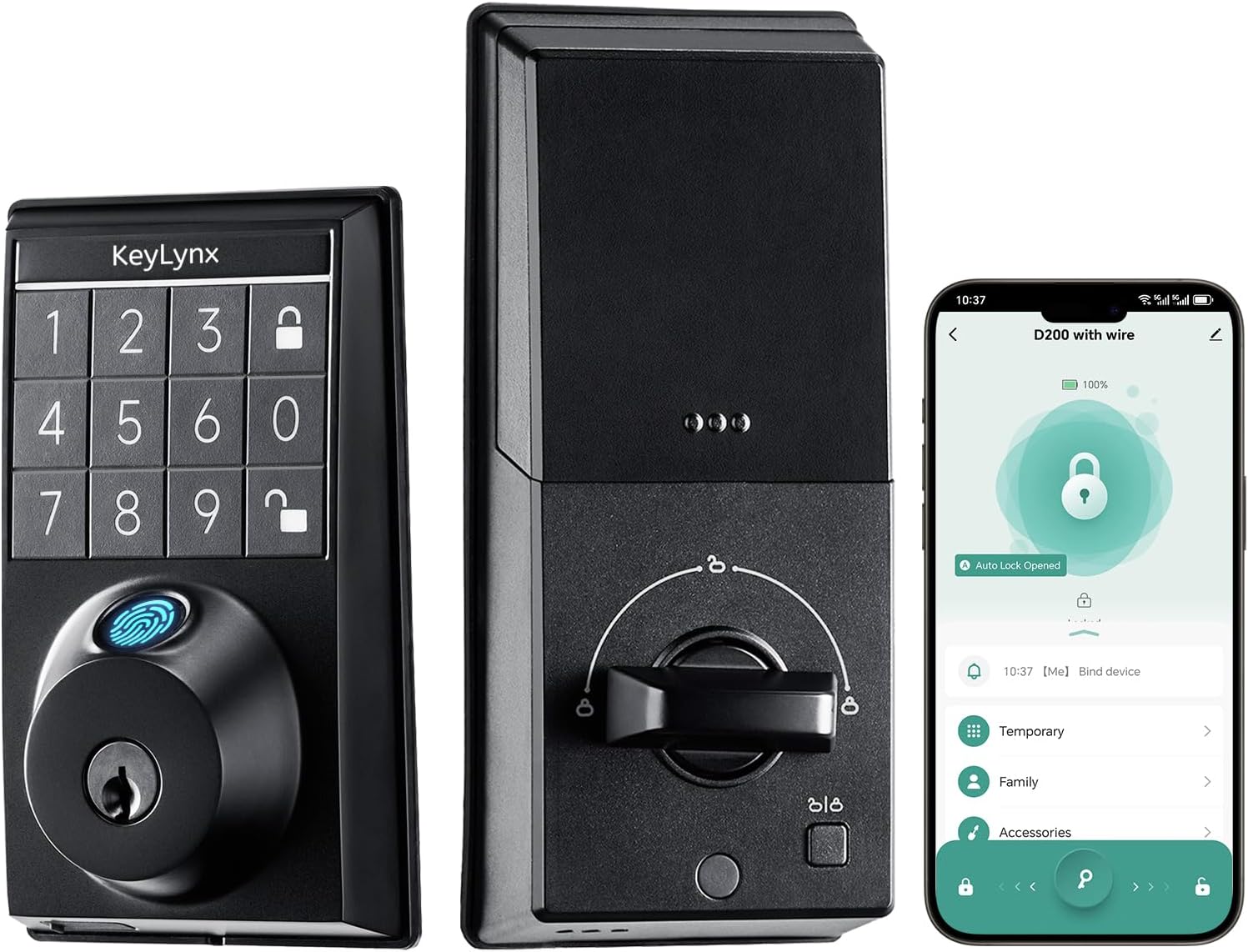
Keylynx 4-in-1 Smart Deadbolt – Fingerprint Keypad Door Access, Keyless Entry with WiFi App Control, Auto-Locking, 16-Month Battery Life, Easy Installation, 2 Keys Included
$79.99




Product Description




Can D200 devices support Wi-Fi?
NO
If the batteries die, how can I open the door?
If the batteries of your D200 are depleted, you can:Use the backup mechanical key to unlock the door.Please note that this product does not support emergency charging.
After installing the D200, what should I do to pair and set it up?
1.Download Tuya Home App;Open the app and click “Add Device” on the homepage. Follow the in-app instructions to pair your lock;2.After the device addition process finished, you can set up the following features:Password, Fingerprint and so on
Why can’t my app connect to my D200?
Check power: Ensure D200 has enough power (at least 20%).
Check Bluetooth permissions: Make sure phone Bluetooth is on and the app has Bluetooth permissions for initial setup.
Try factory reset: Hold pairing button for 5s.
Does this product come with a door handle?
No, it does not.
Is the D200 waterproof?
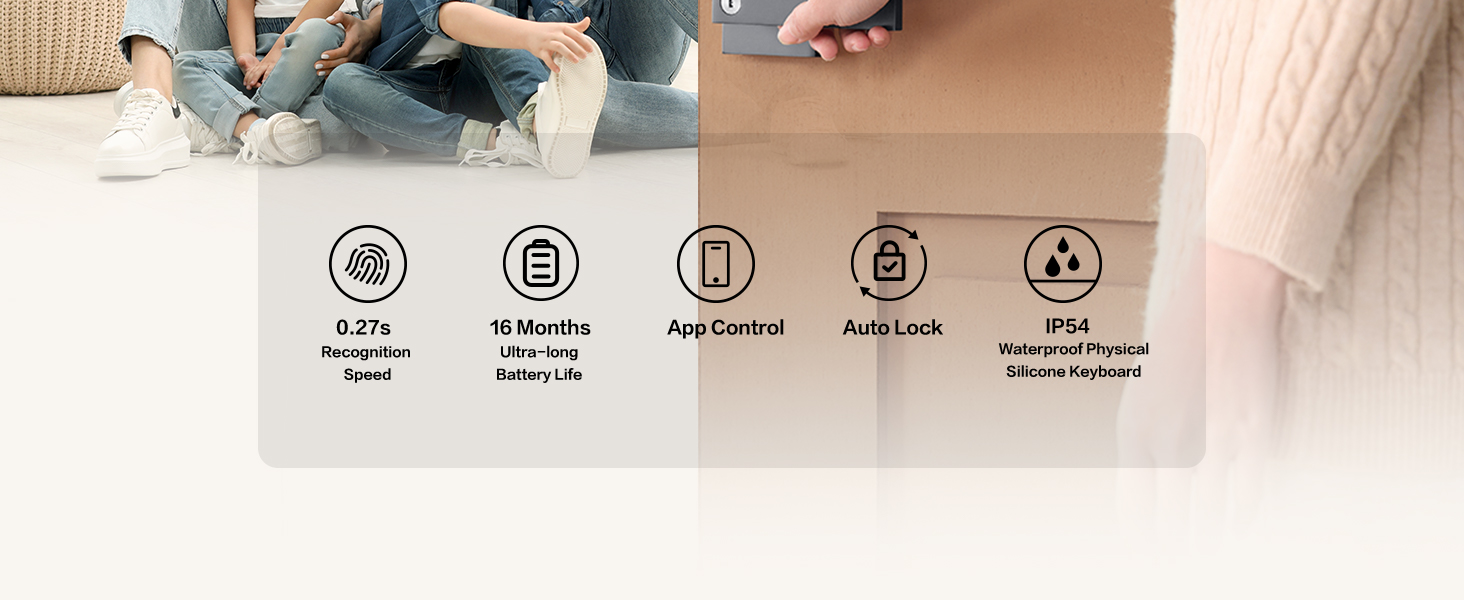
The exterior assembly of the D200 is rated Ip54, making it resistant to dust and water splashes, suitable for outdoor use.
However, please note that the interior panel is not waterproof, so it should be installed in a protected indoor environment.
Will my fingerprint, and password data be uploaded to the cloud?
No, your biometric data is stored locally on the device, never in the cloud. Logs are encrypted locally, so hackers can’t access or tamper with them.
How can I verify that my D200 is properly installed?
Your D200 is properly installed if: The latch extends and retracts smoothly, the door opens and closes properly, the auto-lock works, the lock is secure with no looseness, and the fingerprint and password functions work correctly.
What happens when the lock cannot be switched on and off properly after installation?
1) If the D200’s direction recognition is abnormal, reset the lock to relearn the orientation.
2) If installation is abnormal, remove the key and reinstall per the manual. Use the key only after installation.
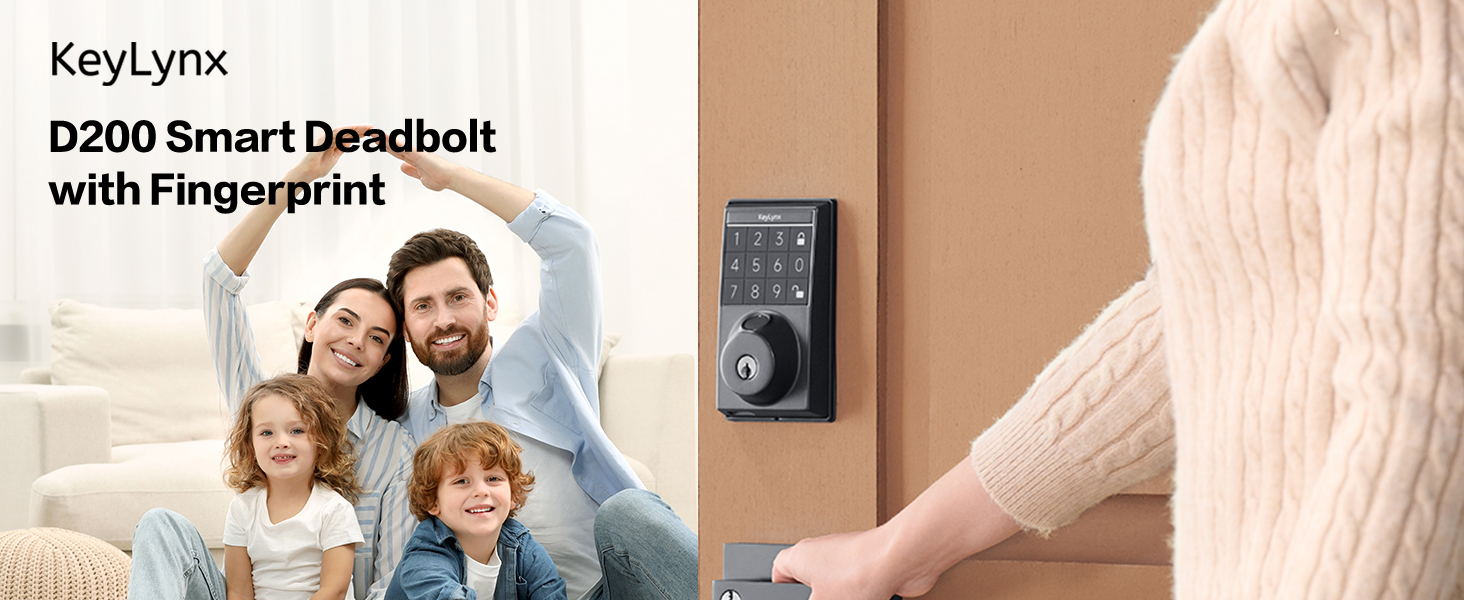
[4-in-1 Keyless Entry Options] Unlock your door in seconds using your fingerprint, custom passcode, Tuya App, or backup key. Store up to 50 fingerprints and 50 passcodes—perfect for families, Airbnb hosts, or offices.
[App Control with Real-Time Access Logs] Use the Tuya Smart App to manage users, set passcodes, enable/disable features, and check access logs. Supports iOS & Android. Remote control via WiFi gateway (sold separately).
[Smart Lock with Auto-Lock & Silent Mode] The auto-lock feature secures your door after 5–99 seconds, while silent mode keeps operation quiet—ideal for families with kids or late-night entries.
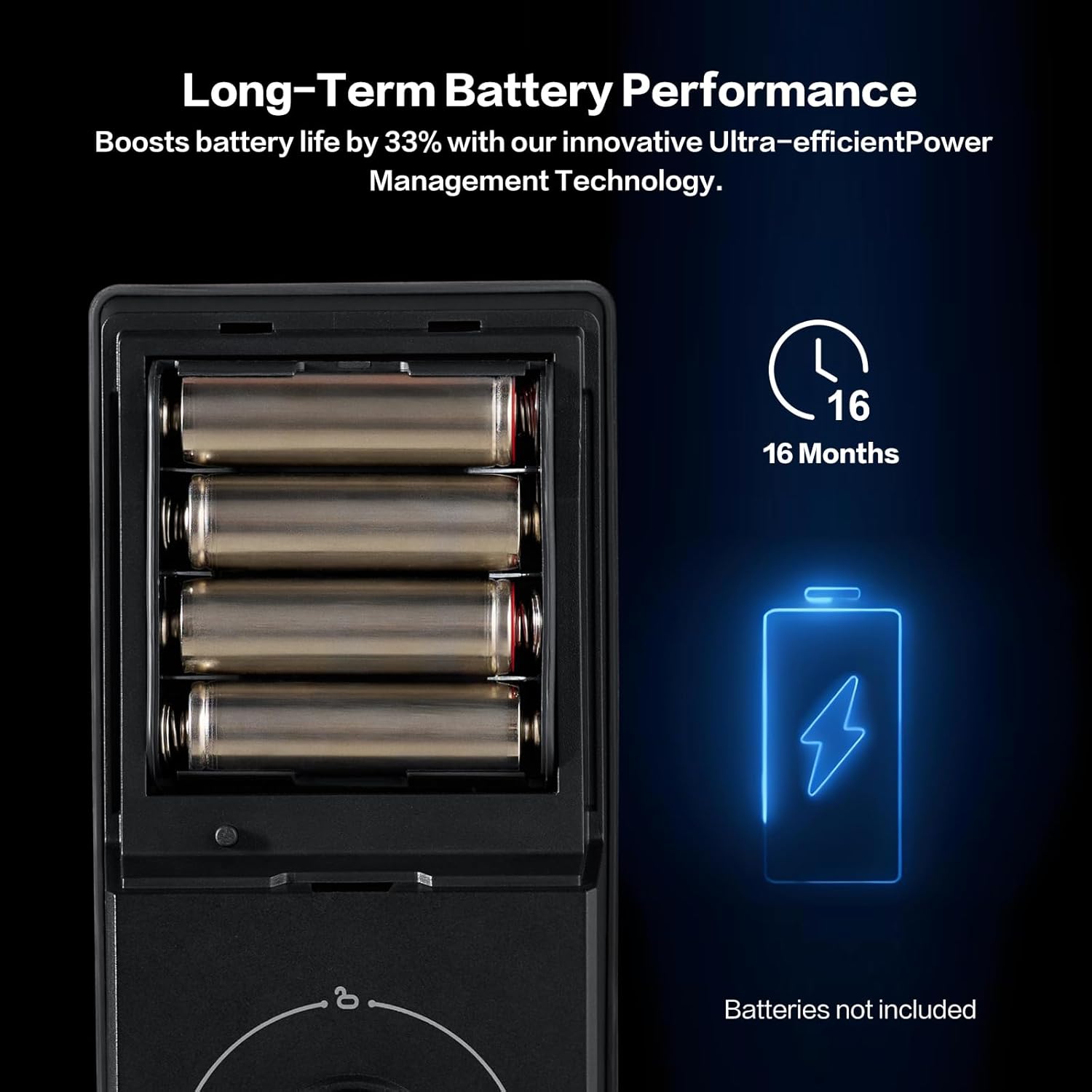
[Long Battery Life & Emergency Backup] Powered by 4 AA batteries (not included) for up to 16 months. Receive low battery alerts and use the mechanical key for emergency access—ensuring your home stays protected.
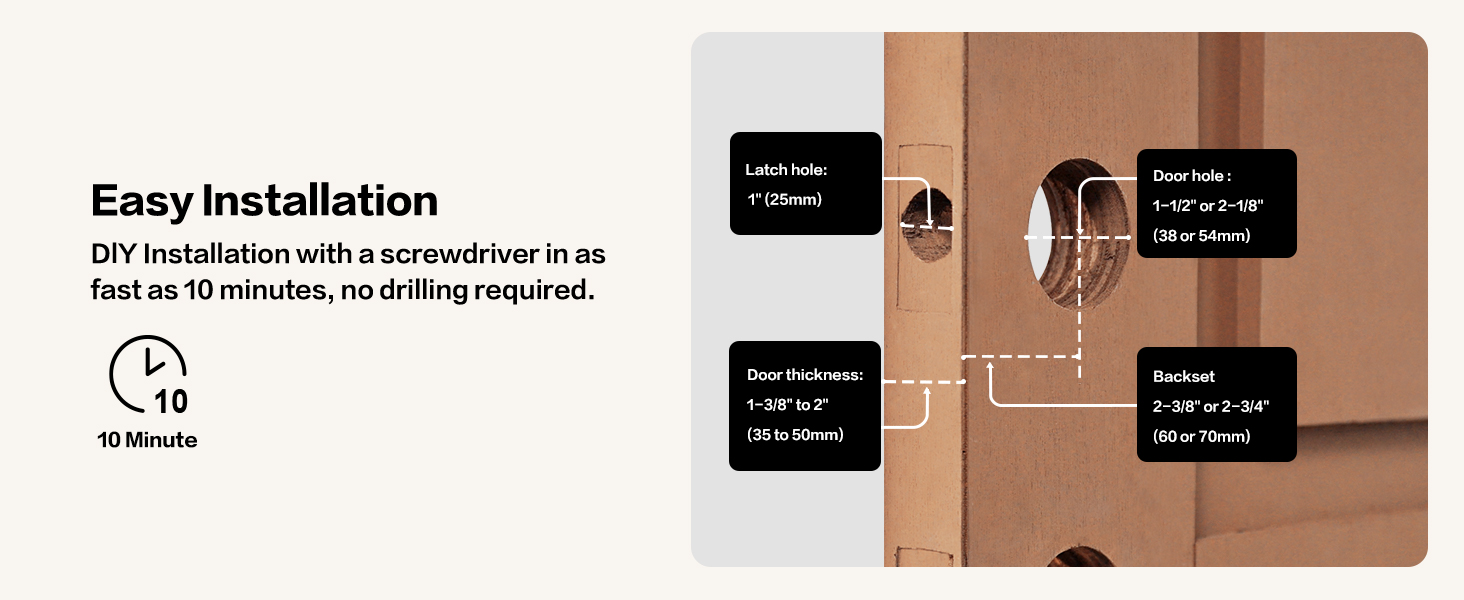
[Easy DIY Installation – 10 Minutes with a Screwdriver] Install the smart lock yourself in just 10 minutes using only a standard screwdriver. No wiring or drilling needed—fits most US standard doors.
[Quality Assurance] Keylynx offers 30-day customer commitment, 1-year product support on all parts, and lifetime after-sales customer service.


There are no reviews yet.